How I Design KDP Book Covers That Get Clicks and Sales
If your Amazon KDP books aren’t getting sales, the problem is probably not your interior.
It’s your cover.
When people scroll through Amazon, they make a decision in seconds. If your cover doesn’t stand out or isn’t clear, they won’t click. And no clicks = no sales.
In this guide, you’ll learn exactly how to design KDP book covers that get clicks and sales, even if you’re a complete beginner.
🎁 Download 15 FREE KDP Interior Templates
Save time and create beautiful low-content books faster with these 15 ready-to-use KDP interiors — completely free! Perfect for journals, planners, and activity books.
The Biggest Mistake Beginners Make
Most KDP beginners overdesign their book covers.
They:
- Use too many colors
- Add too many elements
- Choose hard-to-read fonts
- Create covers that don’t match the niche
Here’s the truth:
The goal is NOT to be creative.
The goal is to be clear and clickable.
Step 1: Research What’s Already Working
Before designing anything, go to Amazon and search for books in your niche.
What to look for:
- Common colors
- Layout styles
- Font types
- Repeating design patterns
You’ll quickly notice trends among top-selling books.
That’s not a coincidence.
These covers are already working, so instead of guessing, model what’s proven.
Step 2: Design a Simple, Clickable Cover
You don’t need expensive tools or advanced skills.
Most of the time, you can create high-quality covers using Canva.
My Simple Cover Design Process:
- Start with a clean layout
- Add the title first (most important element)
- Use big, bold, easy-to-read fonts
- Add minimal graphics or background
- Keep everything readable at thumbnail size
The Golden Rule: Keep It Simple
The best KDP covers are not complex.
They are:
- Clear
- Easy to read
- Focused on one idea
Quick test:
Shrink your cover to thumbnail size.
👉 If it still looks good and readable, you’re on the right track.
👉 Related Post: How I Make Money with Amazon KDP: My Simple, Repeatable System
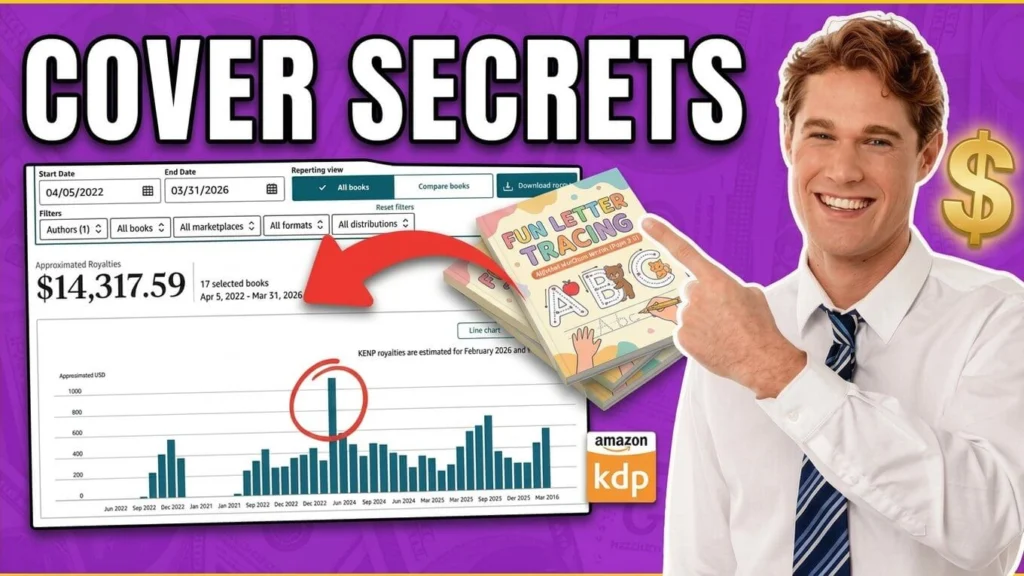
Real Example: Letter Tracing Workbook Cover
Let’s break down a practical example.
For a Letter Tracing Workbook (Ages 3–5):
Design choices:
- Colors: Sky blue, orange, yellow (kid-friendly palette)
- Title: Big, bold, and easy to read
- Subtitle: “For Preschoolers”
- Graphics: Simple, fun elements for kids
- Preview: Interior pages shown on the cover
- Badge: Age range included
Why this works:
- Instantly communicates the purpose
- Appeals to parents and teachers
- Looks clean even as a small thumbnail
What to Put on the Back Cover
Don’t ignore the back—it helps convert clicks into buyers.
Include:
- Sample interior pages
- Short description or benefits
- Visual proof of what’s inside
This builds trust and helps customers make a decision faster.
Tools You Can Use (Beginner-Friendly)
Here are the tools mentioned in the workflow:
- Canva – for designing covers
- Affinity Designer – optional advanced design
- Photopea – free Photoshop alternative
- Creative Fabrica – fonts & graphics
- Titans Pro – niche research
- Helium 10 – keyword & product research
You can start with just Canva and still create professional covers.
How I Quickly Find Profitable KDP Niche Ideas Using Titans Pro
You may like this post where I shared a simple yet effective way I use to find low-competition, profitable KDP niche ideas fast!
Final Recap
If you want your KDP books to sell, focus on this:
- Research what’s already working
- Keep your design simple
- Make your title easy to read
- Use colors that match your niche
- Ensure it looks good as a thumbnail
Want to Go Deeper?
If you’re serious about Amazon KDP and want a step-by-step system, consider following a structured course that walks you through:
- Niche research
- Cover design
- Book creation
- Publishing & optimization
Conclusion
Your book cover is your first impression—and on Amazon, it’s everything.
You don’t need to be a designer.
You just need to be clear, intentional, and simple.
Focus on what works, model it, and improve from there.
That’s how you turn your KDP books into consistent sellers.
Are you new to Kindle Direct Publishing? If yes, then you may like my blog post on How Kdp Works and How You Can Publish Your Very First Books On Kdp!
My Recommended KDP Masterclass 2026 💡
KDP Masterclass By Self Publishing Titans
I absolutely love this Masterclass because it’s one of the most up-to-date and practical KDP courses available. The creators aren’t just teachers — they’re real KDP publishers who’ve earned over $300K in book royalties! 📚 I personally took this class and noticed a steady increase in my KDP sales over time. If you’re serious about growing your publishing business in 2026, this course is a total game changer.