5 Digital Products You Can Create This Week and Sell for Years
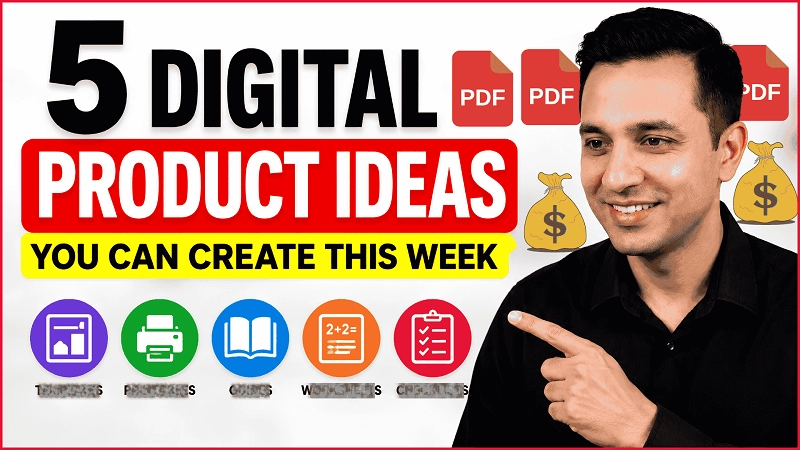
If you’ve been thinking about creating a digital product but keep getting stuck trying to figure out what to make, here are five digital product ideas that you can actually create and start selling this week.
I’m not going to give you ideas that require months of work or a huge audience. These are relatively simple products that you can create around a specific problem and sell on platforms like Gumroad, Etsy, or your own website.
I’ll also show you how I would choose which one to create first, because choosing the right idea is often more important than creating a beautiful product.
But first, there’s one mistake I want you to avoid.
Don’t Create Before Checking Demand
Don’t pick one of these ideas and immediately spend three days creating it.
The fact that you can create a product doesn’t mean people will buy it.
Before creating anything, you want to identify a specific person, a specific problem, and some evidence that people actually want a solution.
That’s the approach I have used myself when creating digital products, and it can save you a lot of time.
👉 Download Now: Free Gumroad Starter Checklist
5 Digital Products You Can Create This Week
🎁 Download 15 FREE KDP Interior Templates
Save time and create beautiful low-content books faster with these 15 ready-to-use KDP interiors — completely free! Perfect for journals, planners, and activity books.
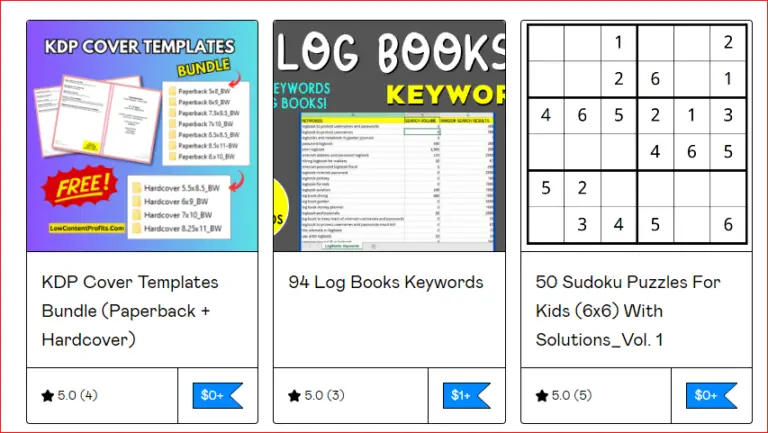
1. Templates
The first type of digital product I’d consider is a template.
Templates are great because you’re not really selling information. You are selling something that helps somebody save time.
Think about what people repeatedly create or do manually.
If someone has to create the same type of document, graphic, worksheet, planner, spreadsheet, or design again and again, there’s a potential template opportunity.
For example, instead of creating a huge Canva template bundle with hundreds of designs, you could start with something much smaller that solves one specific problem.
The key is specificity.
Don’t create a product called:
100 Canva Templates for Everyone
Think more like:
Instagram Templates for Real Estate Agents
or:
Printable KDP Interior Templates for Beginner Publishers
One audience. One use case. One problem to solve.
2. Printable Digital Products
The second idea is printable digital products.
This is one of the easiest categories to understand because the customer simply downloads the file and prints it or uses it digitally.
Some examples include:
- Planners
- Checklists
- Trackers
- Educational worksheets
- Activity sheets
- Wall art
- Meal planners
- Budgeting sheets
- And many other types of printables
But again, don’t just create a random printable because it looks nice.
Think about the problem first.
A weekly planner is extremely broad, but a weekly meal planner with grocery checklist for busy families is much more specific.
Or instead of a generic kids worksheet, you could create a worksheet targeting a specific grade, skill, or learning problem.
The more clearly you understand who the product is for, the easier it becomes to create something useful.
3. Short Guides or Ebooks
The third digital product idea is a short guide or ebook.
And when I say ebook, I don’t mean you need to write a 100-page book.
In fact, I think beginners often make this much harder than it needs to be.
If somebody has a specific problem and you can explain the solution clearly, that knowledge itself can become a digital product.
For example, you could create:
- How to Set Up Your First Etsy Shop
- Beginner’s Guide to Creating a Printable
- How to Create Your First KDP Interior
- A Checklist-Based Guide That Walks Someone Through a Specific Process
The important thing is that you’re not trying to teach somebody everything.
You’re solving one problem.
That’s actually very close to how I created my first digital product.
I didn’t try to solve every problem a beginner self-publisher had. I focused on one specific problem and created a simple solution for it.
4. Worksheets and Educational Resources
The fourth idea is worksheets and educational resources.
This is especially interesting if you already have knowledge in a particular subject or understand a particular audience.
You could create:
- Math practice worksheets
- Handwriting worksheets
- Vocabulary activities
- Classroom resources
- Homeschool materials
- Activity packs
Again, specificity matters.
Instead of math worksheets, think about something like:
Addition Within 10 Picture Worksheets for Kindergarten
Instead of creating 100 pages immediately, you could start with a smaller product, see whether people respond to it, and then expand it into a larger bundle or series.
This is also one category where a single successful product can lead to multiple related products.
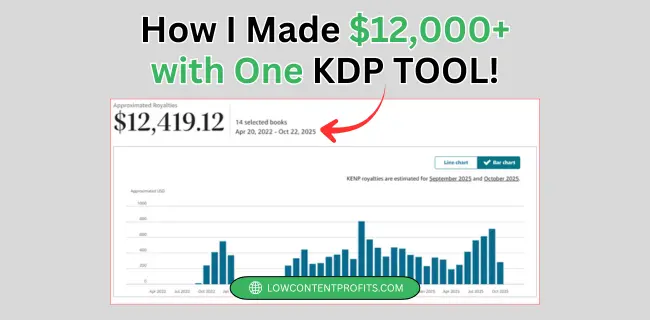
👉 Related Post: How I Made $12,000+ with This Simple Math Book Tool
5. Checklists, Swipe Files, and Resource Packs
And the fifth idea is something I think beginners often overlook.
Checklists, swipe files, and resource packs.
These can be extremely simple.
A customer doesn’t always need another giant ebook. Sometimes they just want something that makes a process easier.
For example:
- A launch checklist
- A content planning checklist
- A niche research worksheet
- A list of useful resources
- A collection of prompts
- A step-by-step action plan
These products can be relatively quick to create because you’re packaging information in a way that’s immediately useful.
So, Which One Should You Actually Create?
If you’re a complete beginner, I wouldn’t choose based on which product sounds the easiest to make.
I’d choose based on three things.
Number one, do people have this problem?
Number two, are people already looking for solutions?
Number three, can you create a genuinely useful solution without spending weeks on it?
If the answer to all three is yes, you have a much stronger product idea.
Don’t Try to Create 10 Digital Products This Week
Here’s what I’d actually challenge you to do.
Don’t try to create 10 digital products this week.
Pick one person, one problem, and one simple product.
Spend some time checking demand and competition before you create it.
Then create the smallest useful version of the product, publish it, and see what happens.
If people buy it, download it, ask questions about it, or show interest in it, you now have evidence.
That’s when you can expand it into a bigger product bundle or series.
The 1-Hour Gumroad Guide
And if you are completely new to this and you are not sure how to go from an idea to an actual digital product that you can sell, I’ve created a simple 1-Hour Gumroad Guide that walks through the process step by step.
👉 Checkout The 1-Hour Gumroad Guide
And if you don’t want the guide, that’s completely fine.
Start with the framework I shared in this post:
One audience. One problem. One product.
If you found this useful, let me know in the comments which of these five digital products you are thinking about creating.
And if you want more practical content about creating and selling digital products, follow along.
Thanks for reading.
Talk soon,
Subha
My Recommended KDP Masterclass 2026 💡
KDP Masterclass By Self Publishing Titans
I absolutely love this Masterclass because it’s one of the most up-to-date and practical KDP courses available. The creators aren’t just teachers — they’re real KDP publishers who’ve earned over $300K in book royalties! 📚 I personally took this class and noticed a steady increase in my KDP sales over time. If you’re serious about growing your publishing business in 2026, this course is a total game changer.