Creative Fabrica vs Canva (2026): Which Is Better for Digital Creators?
Picking a design tool feels bigger than it should. You’ve got projects due, a brand to build, and two platforms that both claim to be the easy answer: Creative Fabrica and Canva.
This guide breaks down Creative Fabrica vs Canva by features, price, and real use cases, so you can pick the right tool for your 2026 workflow without the guesswork.
Creative Fabrica vs Canva: Quick Overview
Canva is a browser-based design suite built for anyone who needs to make social posts, presentations, videos, and marketing materials fast. It uses a drag-and-drop editor, and as of early 2026 it holds roughly 35% of the web-based design market, with over 200 million free users across 190+ countries.
🎁 Download 15 FREE KDP Interior Templates
Save time and create beautiful low-content books faster with these 15 ready-to-use KDP interiors — completely free! Perfect for journals, planners, and activity books.
Creative Fabrica works differently. It’s a design asset marketplace first, offering over 6 million assets, including fonts, graphics, and embroidery designs, all available through an all-access subscription model. The CF Studio editor sits on top of that library, so you get a Canva-style canvas plus commercial-use files built in.
| Canva | Creative Fabrica | |
|---|---|---|
| What it is | All-in-one design suite | Design asset marketplace + editor |
| Best known for | Templates, Magic Studio AI | Fonts, graphics, craft files |
| Editor name | Canva Editor | Creative Fabrica Studio (Spark AI) |
| Starting price | $18/month | ~$3.99/month (annual) |
Which tool fits your workflow comes down to whether you need broad, polished templates (Canva) or a deep, commercial-ready asset library for niche or physical products (Creative Fabrica).
Creative Fabrica vs Canva: Features and Tools Compared
Both platforms share a drag-and-drop canvas, a layers system, and built-in AI tools. The difference shows up in the details.
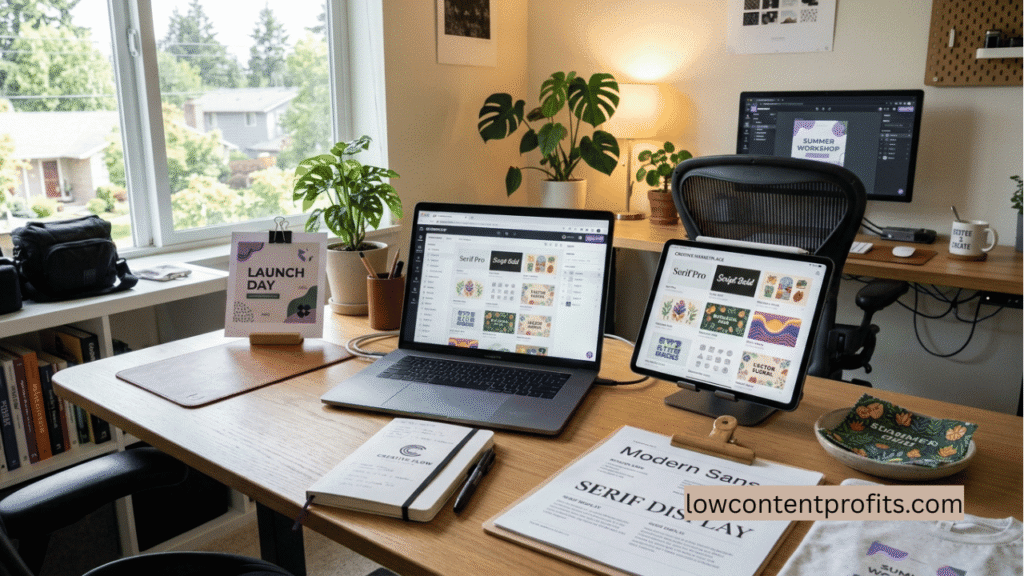
Canva’s editor leans on volume: thousands of templates, a huge stock photo library, and Magic Studio, which includes AI image and video generation, background removal, and writing tools. It’s built for speed and polish with little learning curve.
Creative Fabrica Studio’s editor runs on Spark AI, which includes a background remover, a vectorizer (turns any image into an SVG), an AI art and PNG generator, and an upscaler. It also includes a Font Generator, letting you build custom fonts without design software, and a one-click Pattern Creator for seamless, all-over print designs. Neither of these tools has a direct equivalent inside Canva, and they matter a lot if you sell physical products.
One practical difference: Creative Fabrica’s layer panel works more like Photoshop, with drag, lock, and hide controls. Canva’s layer management is simpler but less flexible for complex, multi-layer designs.
Canva still wins on raw template and stock-asset volume. Creative Fabrica still wins on commercial-ready craft and print assets. Picking between Creative Fabrica and Canva here depends on what you’re actually building.
Creative Fabrica vs Canva: Pricing in 2026
Price is usually the deciding factor, so here’s where each platform lands this year.
Canva Pro costs $18 per month, or $144 per year when billed annually, which works out to about $12 a month. The free plan covers basic design work but locks premium templates and Magic Studio credits behind Pro.
Note: In emerging markets with lower average incomes, Canva massively cuts its prices. For example, a Canva Pro monthly subscription can drop as low as roughly $1.90 to $4.15/month in countries like Turkey, Nigeria, India, and Pakistan.
Creative Fabrica’s All Access plan normally runs around $29 per month, but the annual plan drops to roughly $3.99 per month, billed at $47 for the year, instead of the regular rate. That’s a steep discount, and it includes unlimited downloads across the entire asset library plus a commercial license for print-on-demand use.
For solo creators publishing commercial products at volume, Creative Fabrica’s annual plan usually costs less per asset than buying individual stock files elsewhere, which is why POD sellers and KDP cover designers often treat it as a supply library rather than just a design tool.
You May Also Like: Creative Fabrica Fonts: Are They Worth It in 2026?
Creative Fabrica vs Canva: Best Choice by Creator Type
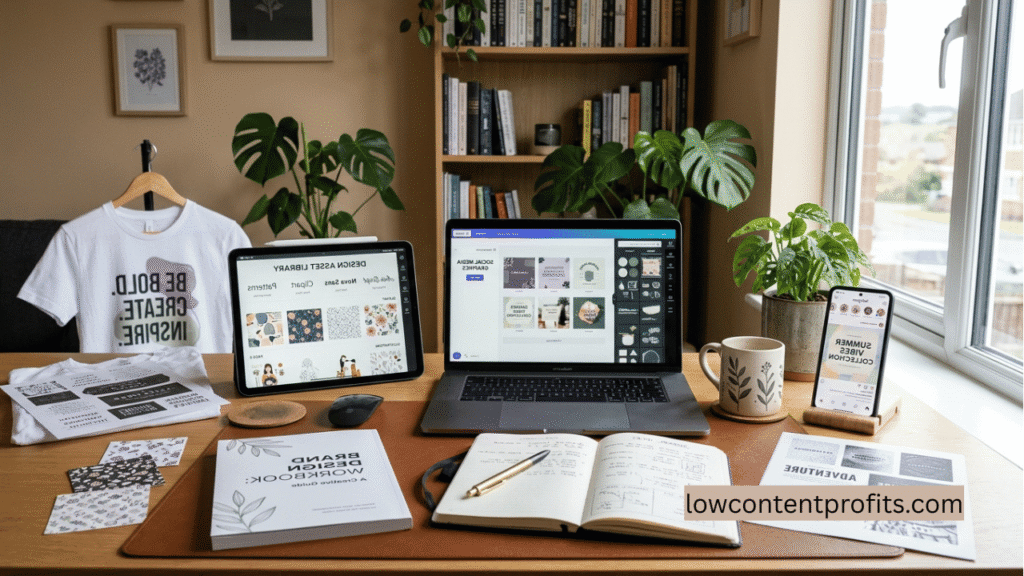
Social media managers and marketers generally do better with Canva. Its template depth, brand kit tools, and team collaboration features are built for fast-turnaround content and multi-person workflows.
Print-on-demand sellers and Etsy shop owners often lean toward Creative Fabrica. The commercial license covers products like t-shirts and mugs, and the Pattern Creator and Font Generator solve problems Canva doesn’t address directly.
KDP publishers and digital product creators frequently use both. Canva handles quick cover mockups and marketing graphics, while Creative Fabrica supplies fonts, clipart, and pattern assets for book interiors and low-content products.
There’s no rule saying you must choose one. Many creators keep both subscriptions active and switch tools based on the task in front of them.
Creative Fabrica vs Canva: Pros and Cons
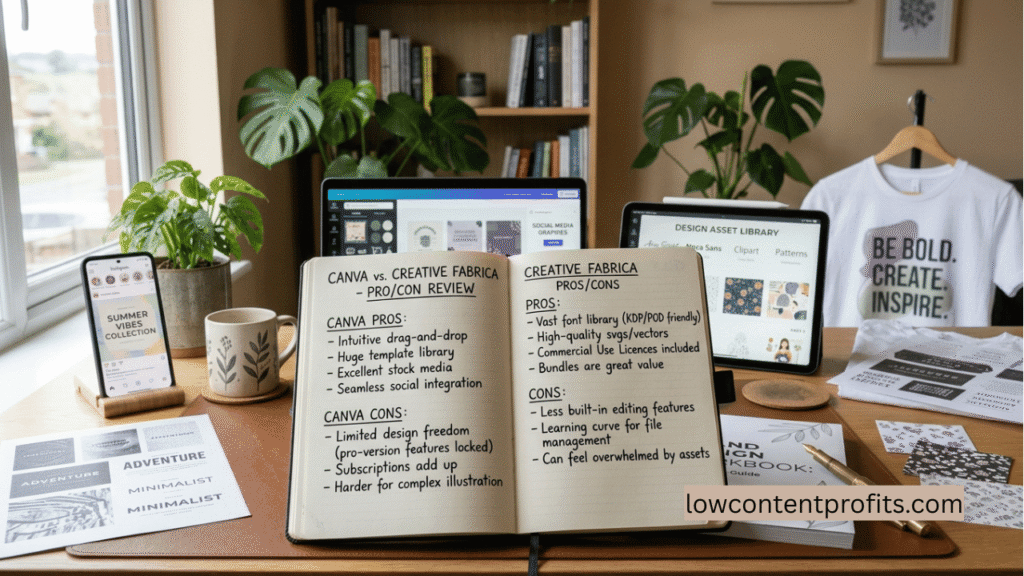
Canva pros:
- Massive template and stock-asset library
- Strong team collaboration tools
- Polished, beginner-friendly interface
Canva cons:
- Pro tier needed for most useful features
- Teams pricing is per-seat, which adds up fast
- Less depth for craft or print-specific assets
Creative Fabrica pros:
- Deep library of commercial-use fonts and graphics
- Font Generator and Pattern Creator are unique tools
- Strong value on the annual plan
Creative Fabrica cons:
- Smaller general template library than Canva
- Desktop-only on some platforms, no dedicated mobile app
- AI tools are less developed than Canva’s Magic Studio
Frequently Asked Questions
Who is Canva’s biggest competitor?
The closest competitors to Canva by website traffic are Adobe.com, Figma.com, and Template.net. Adobe Express is widely viewed as Canva’s most direct rival since it competes on templates, AI tools, and ease of use.
Is Creative Fabrica worth the money?
For crafters, POD sellers, and anyone needing commercial-licensed fonts and graphics, yes. The annual All Access plan, priced around $3.99 a month, gives unlimited downloads from a multi-million asset library, which is hard to match buying files individually.
Is Canva part of Creative Fabrica?
No. They are separate, independently owned companies. Canva is an Australian design platform founded in 2012, and Creative Fabrica is a US-based asset marketplace. They are competitors, not related products.
Is there a better editor than Canva?
It depends on your need. Figma offers more design precision for teams needing pixel-level control, and Adobe Express pairs an asset library with commercial AI tools. For general ease of use, Canva still leads for most beginners.
Is CapCut or Canva better?
For video, CapCut wins. CapCut specializes in video editing, particularly for short-form social content like TikToks and Instagram Reels, while Canva works as a one-stop shop for graphic design with added video editing features. Choose CapCut for video-first content, Canva for multi-format design work.
Why is Canva so expensive now?
In September 2024, Canva replaced its old flat-rate Teams plan, which covered up to five people for $119.99 a year, with per-seat Business pricing. That change pushed costs up noticeably for small teams, even though solo Pro pricing stayed closer to its original rate.
Conclusion
Canva wins for speed, templates, and team collaboration. Creative Fabrica wins for commercial-ready assets, print-on-demand licensing, and tools like the Font Generator you won’t find elsewhere. The right pick depends on what you’re building, and for many digital creators, running both side by side is the smartest move.
My Recommended KDP Masterclass 2026 💡
KDP Masterclass By Self Publishing Titans
I absolutely love this Masterclass because it’s one of the most up-to-date and practical KDP courses available. The creators aren’t just teachers — they’re real KDP publishers who’ve earned over $300K in book royalties! 📚 I personally took this class and noticed a steady increase in my KDP sales over time. If you’re serious about growing your publishing business in 2026, this course is a total game changer.