How to Publish a Book on Amazon KDP: Step-by-Step Guide for Beginners
To publish a book on Amazon KDP, make a free account, enter your book details, upload your manuscript and cover, set a price, and click Publish. Most books go live within 72 hours.
This guide is for beginners in the US marketplace. It covers the steps, the money, and what to do after launch. The numbers come from KDP’s own help pages and are current as of November 2026.
Let’s see how to publish a book on Amazon KDP…
What You Need Before You Publish a Book on Amazon KDP
🎁 Download 15 FREE KDP Interior Templates
Save time and create beautiful low-content books faster with these 15 ready-to-use KDP interiors — completely free! Perfect for journals, planners, and activity books.
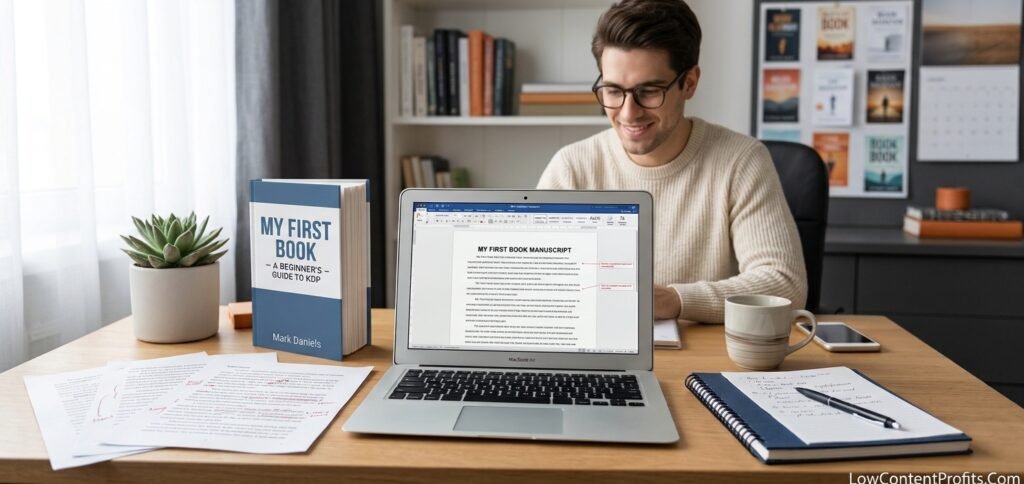
Start with a finished manuscript. Read it from start to finish. Think about hiring an editor or proofreader, because KDP does not check your writing quality.
Next, format your book. An eBook and a paperback need different files. KDP offers free tools: Kindle Create, Kindle Previewer, and Word templates.
Then plan the book cover.
- An eBook needs only a front cover.
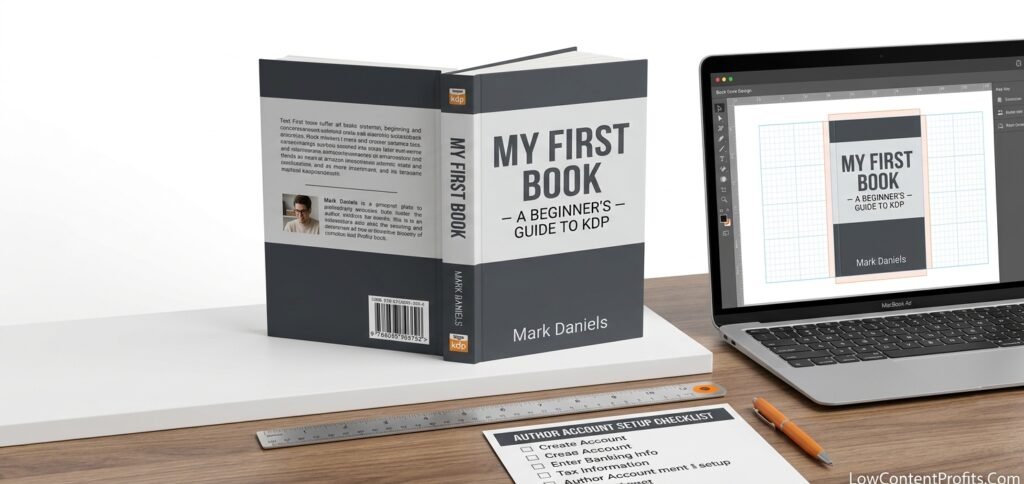
- A paperback needs a front, spine, and back, saved as one image.
- Use KDP’s Cover Creator or a tool like Canva.
- Use KDP’s cover calculator to get the exact bleed (0.125 inches) and spine width.
- Delete every template layer, even tiny text. One leftover line can get a cover rejected.
Set up your account early.
- Sign in with your Amazon login.
- Verify your identity and add your bank account.
- Finish the tax interview. US authors enter an SSN or EIN. Tax details go through review, so do this weeks before launch.
Decide on an ISBN. A free KDP ISBN works only on KDP. If you plan to sell elsewhere, you can buy your own from Bowker, the US ISBN agency.
Last, pick your trim size. Common choices are 5″×8″, 5.5″×8.5″, and 6″×9″. A paperback needs at least 24 pages.
👉 If you want to go deeper into KDP niche & keyword research, check out my complete guide on finding low-competition Amazon KDP niches using Helium 10. In this step-by-step tutorial, I show exactly how to uncover profitable book ideas, validate demand, and analyze competition before you publish.
How to Publish a Book on Amazon KDP (Step by Step)
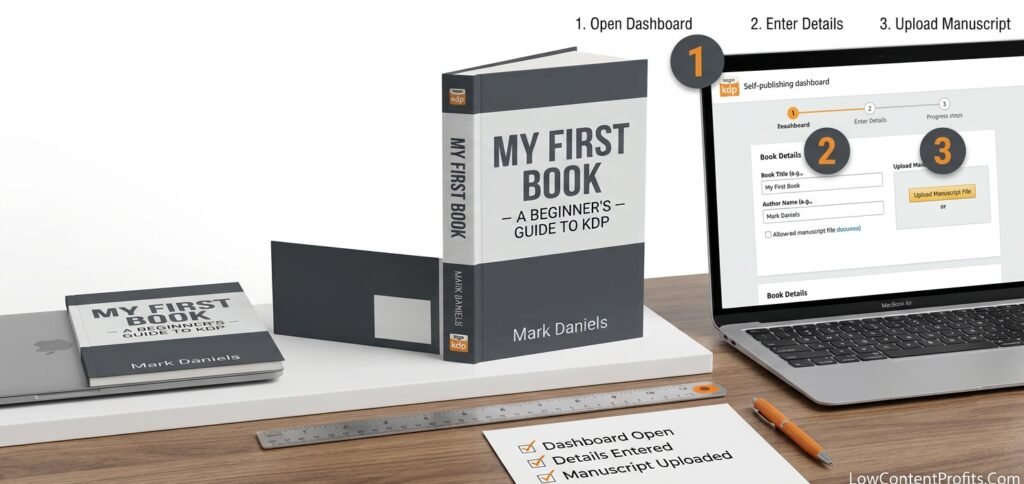
Follow these six steps to upload a book to KDP:
- Open your Bookshelf. Click + Create and choose Kindle eBook, paperback, or hardcover.
- Enter your book details. Add the title, subtitle, author name, description, keywords, and up to two categories. Add the series name too, if you have one. Declare any AI-generated content.
- Upload your manuscript. For a paperback, a PDF is safest. You must use a PDF if your pages have bleed. eBooks accept DOCX, EPUB, and KPF files.
- Add your cover. Upload your file or use Cover Creator. Then run the Previewer and fix every error it flags.
- Pick territories and a primary marketplace. For a US audience, choose Amazon.com.
- Set your price and click Publish. KDP reviews your book for up to 72 hours. Edits are locked during that time.
Tip: The title, subtitle, author name, and ISBN inside your file must match what you typed in the details. KDP flags mismatches.
Order a proof copy of your paperback before you publish. You see the real book, and you catch errors early.
KDP limits you to two new titles per format each week. Updating a title you already submitted does not count.
Common reasons KDP rejects a book: missing title on the cover, no barcode area, wrong page numbers, blank pages, unembedded fonts, and template text left on the cover.
How to Price Your Book and Choose Your Royalty Rate on KDP
How much do you earn per sale? It depends on the format.
eBooks: KDP offers two options. Since July 7, 2026, the 70% royalty option covers prices from $2.99 to $12.99 on Amazon.com. The old top price was $9.99. The 35% option works at nearly any price, from $0.99 to $200. The 70% option also deducts a small delivery fee based on file size.
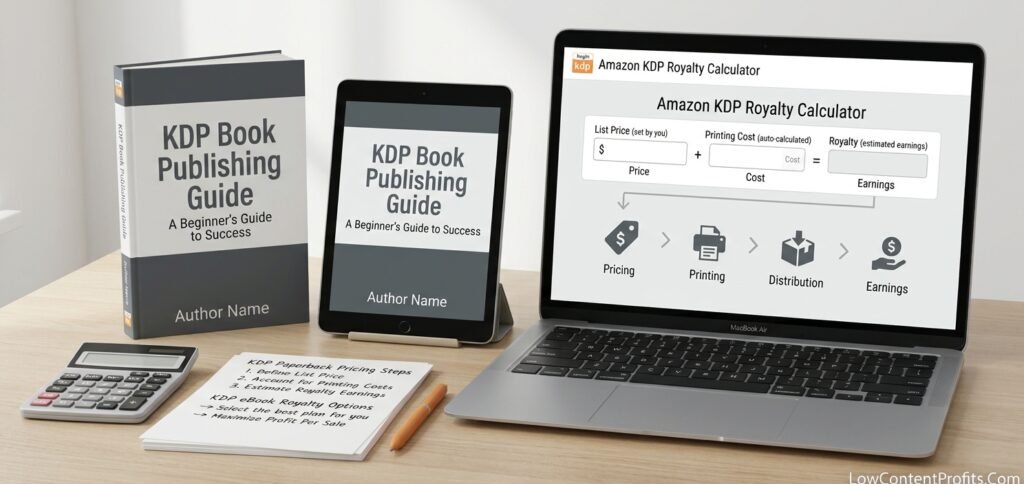
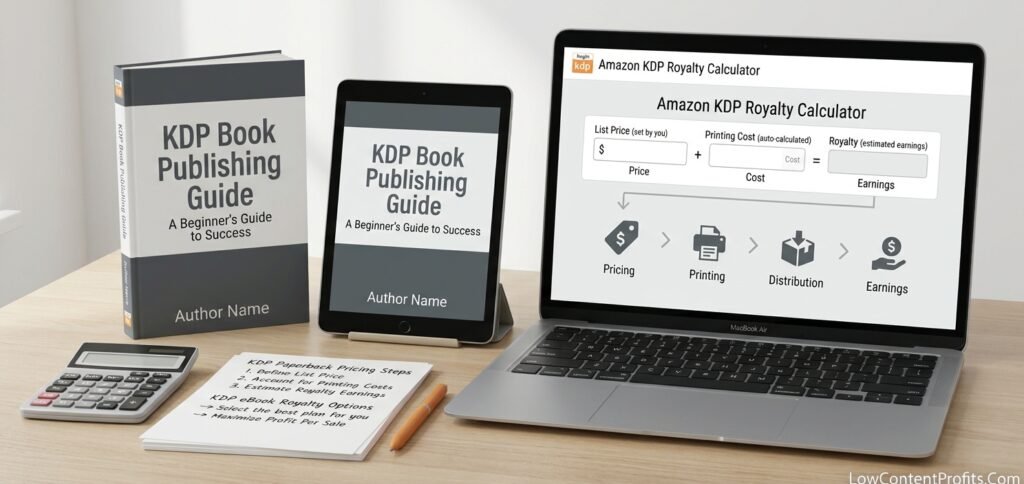
Paperbacks: The formula is simple: (royalty rate × list price) − printing cost. Since June 10, 2025, books priced at $9.98 or less earn 50%. Books at $9.99 or more earn 60%. KDP’s own example: a $15 book with 333 pages and black ink earns $4.00 per sale through Amazon.com. The same book earns just $1.00 through Expanded Distribution, which pays 40%.
Expanded Distribution can place your paperback with other retailers, such as Barnes & Noble. It does not guarantee they will stock it.
KDP Select is an optional program for eBooks. You give Amazon exclusive rights for 90 days. In return, you earn Kindle+ page-read payments and can run Countdown Deals or free promotions. Your eBook cannot sit on Apple Books or Kobo during that time. See KDP Select details.
👉 Related Post: How I Made $12,000+ with This Simple Math Book Tool
After You Publish Your Book on Amazon: Launch and Promote
Your book shows In Review first. KDP emails you when it goes live. If it fails review, the email says what to fix. Correct the file, then resubmit.
Then build your book detail page.
- Claim your Author Central profile.
- Add A+ Content to improve your page.
- Ask real readers for honest reviews. Never pay for them.
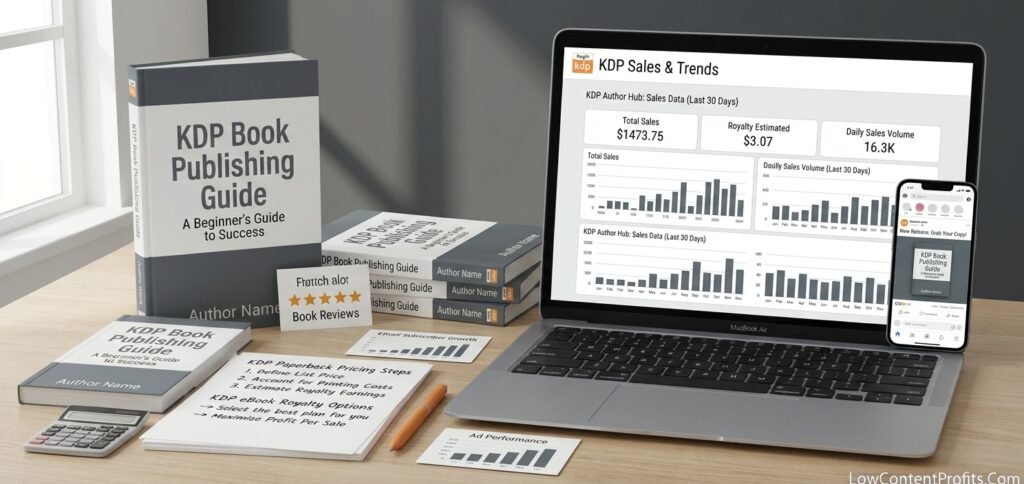
Simple promotion works best at first. Use an email list, social posts, and small Amazon Ads tests. Check your KDP Reports dashboard to see which efforts bring sales.
You can change your price at any time. Some book details cannot change after publishing, so double-check them first.
Getting your book published is only half the journey. The next challenge is getting people to buy it. Read my guide on How to Sell Books on Amazon KDP to learn how to research profitable niches, create books with market demand, attract buyers, and turn your published book into a potential source of ongoing royalties.
Amazon KDP FAQs
How much does it cost to publish a book on Amazon KDP?
It is free. KDP takes its share from each sale. Optional costs include editing, cover design, your own ISBN, proof copies, and ads. For print books, KDP subtracts the printing cost from each sale.
Is Amazon KDP still profitable in 2026?
It can be, but it is not automatic. KDP reported $69.3 million in total KDP Select author earnings for September 2026. That figure covers Select books only. It also shows readers are still spending on indie books. Profit depends on niche, cover, description, price, and how many books you publish.
How much can a beginner earn from Amazon KDP?
Amazon does not publish an average, and I found no official figure. Do the math instead. For example, 20 paperback sales a month at a $4 royalty equals $80. That is an example, not a promise.
How much should a 200-page book cost?
KDP sets a floor price: printing cost divided by your royalty rate. Printing cost depends on page count, trim size, and ink. Use KDP’s printing cost and royalty calculator. Then check the top sellers in your category and price within their range. At $9.99 or more, you earn 60%.
How many books do you need to sell to make $100,000?
Divide $100,000 by your royalty per sale. At $4 per book, you need 25,000 sales. At $10 per book, you need 10,000. At $3 per book, you need 33,334. Over five years, 25,000 sales is about 417 a month. That is before taxes.
Does KDP print books on demand?
Yes. KDP prints each paperback or hardcover after a customer orders it and ships it worldwide. You hold no stock and pay no upfront printing bill.
You can self-publish a book on Amazon in a few days. The hard parts are a clean file, a good cover, and a fair price. Get those right, and the rest is simple.
My Recommended KDP Masterclass 2026 💡
KDP Masterclass By Self Publishing Titans
I absolutely love this Masterclass because it’s one of the most up-to-date and practical KDP courses available. The creators aren’t just teachers — they’re real KDP publishers who’ve earned over $300K in book royalties! 📚 I personally took this class and noticed a steady increase in my KDP sales over time. If you’re serious about growing your publishing business in 2026, this course is a total game changer.